Campus IPTV Smart Interactive TV System
The campus IPTV interactive TV system is an integrated network live broadcast solution that adopts standard streaming media output. It is simple to deploy and can be easily accessed by any network architecture. It supports live TV viewing, movie-on-demand, and educational video playback. It can be integrated with the course recording module: teachers can upload recorded teaching videos to the backend, allowing students to conveniently watch lectures from their instructors. Compared with traditional TV-based teaching, Dongguan Digbao Electronics' IPTV smart campus system stands out with greater personalized functions, including forced insertion broadcasting, group management, information push, video teaching category management, video recording, backend statistics, terminal log management, TV power on/off control, TV playback, recorded video live import, and more, making it ideal for intelligent information-based teaching.
Details
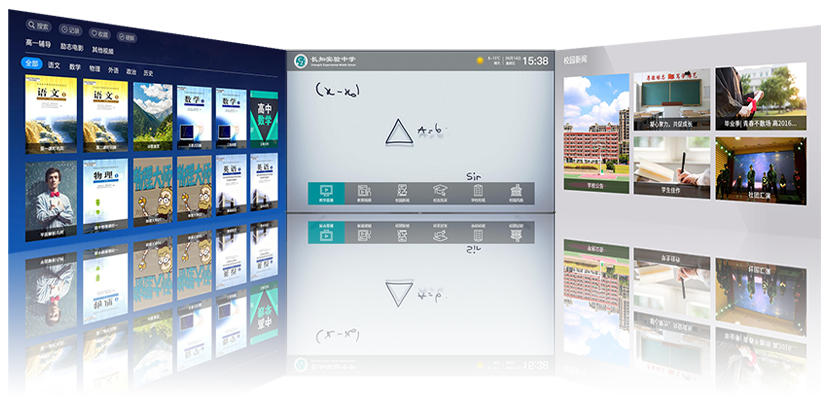
Digbao Electronics-The campus IPTV interactive TV system is an integrated network live broadcast solution with standard streaming output, easy to deploy and compatible with any network architecture. It supports live TV, movie-on-demand, and educational video playback. It integrates with the course recording module, allowing teachers to upload recorded lectures to the backend for students to view anytime. Compared with traditional TV teaching, the interactive TV system excels in personalized functions such as forced insertion, group management, information push, video teaching classification, video recording, backend statistics, terminal log management, TV remote power control, playback, and more, better adapting to intelligent and information-based teaching.
The campus IPTV interactive TV system can also integrate with the campus TV studio system and virtual director system to form a complete campus TV system solution.

· Custom Boot Video Function
The system includes a boot video module. Schools can upload custom-made videos to enable automatic playback upon startup for promotional purposes.
Recommended Video Content:(Customizable)
① Youth education and publicity videos.
② Safety knowledge including prohibitions on pornography, gambling, and drugs in public places, in cooperation with public security authorities.
③ School rules and regulations promotion.
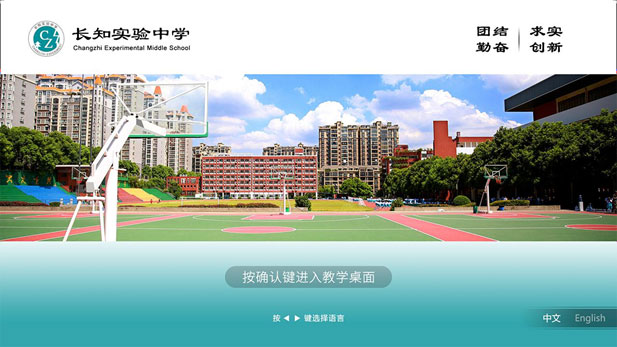
· Chinese-English Interface Switching
① Support uploading school name and LOGO.
② Customizable background image.
③ Support both Chinese and English language modes.
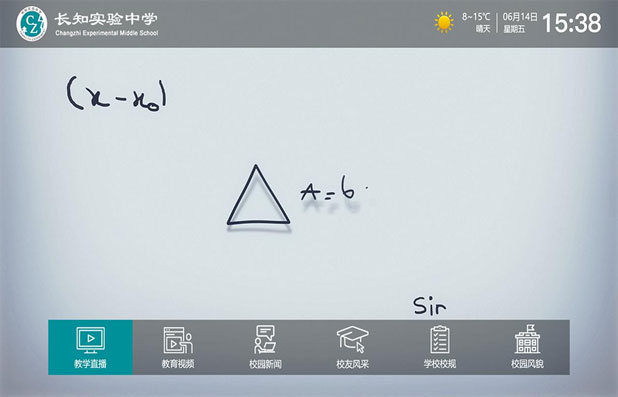
· Main Interface Introduction (Highly Customizable)
① The top section displays school name, time, date, and weather.
② Customizable background video upload.
③ Up to 11 function modules; popular APKs can be added freely.
④ Scrolling advertisement bar for publishing notices and information as needed.
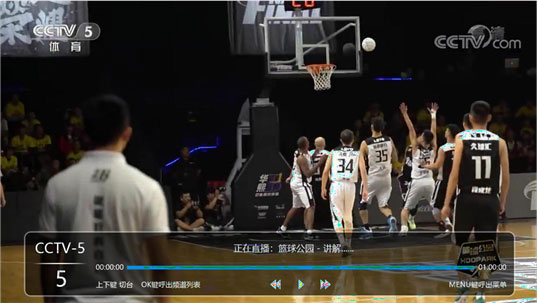
· Live & Playback Introduction
The system features a clean and elegant interface. Live channels can be added freely, supporting carrier IPTV sources, satellite sources, cable TV sources, and network sources with rich content. Channel lists can be grouped as required. Live streaming is smooth with ultra-fast channel switching within 1 second. It supports self-operated channels, open class live broadcasts, and conference live broadcasts.
The system has built-in playback function. After installing a playback hard drive, TV program playback can be configured, supporting up to 7 days of playback data.
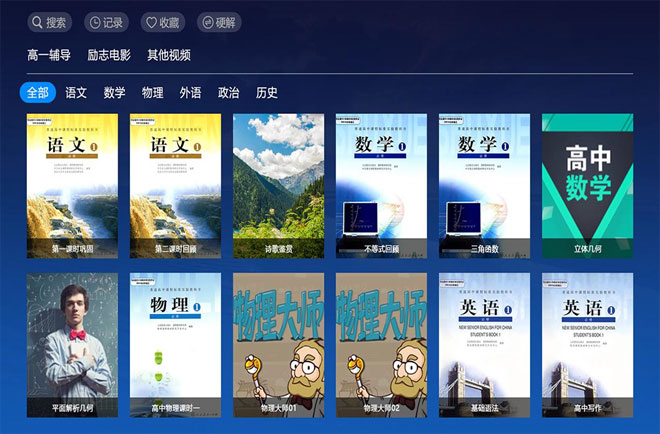
· Educational Videos (On-Demand)
The system supports custom video upload and classification.
Course tutoring, lecture review videos, inspirational promotional videos.
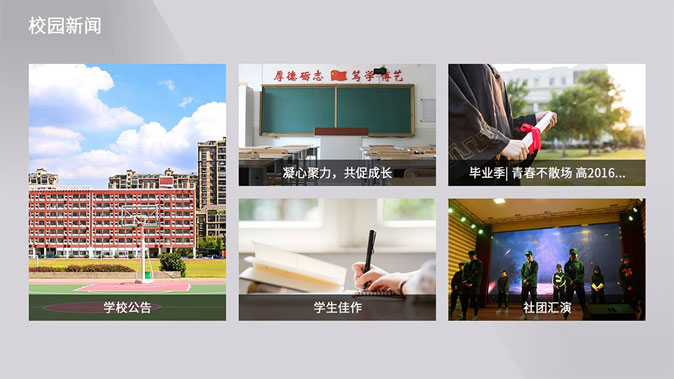
· Campus News
View the latest and previous campus news; important news can be broadcast via forced insertion.
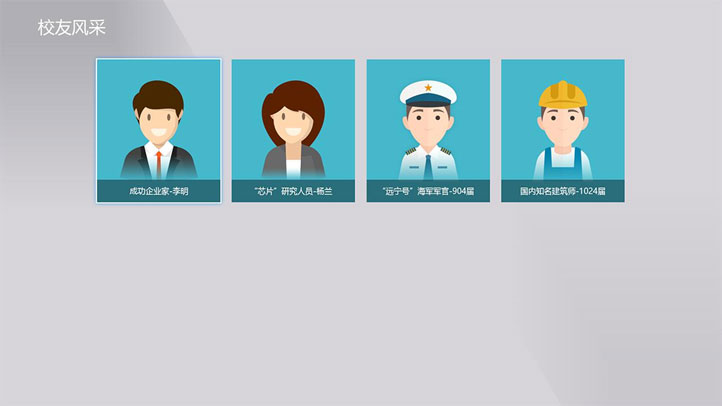
· Alumni Highlights
Introduction to outstanding alumni, setting role models for students.
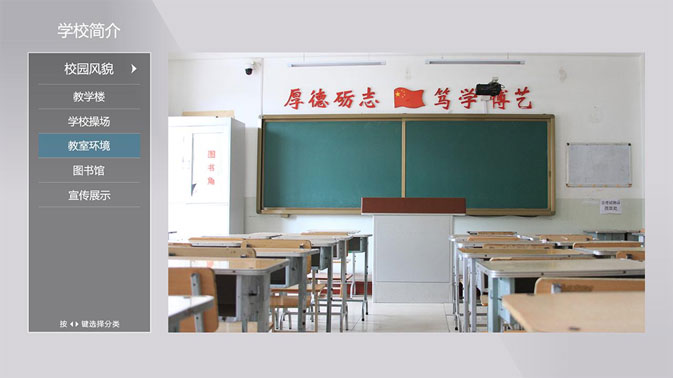
· School Introduction Section
The system introduces the school's infrastructure, layout, culture, environment, and featured teaching in elegant images and text, enhancing the school's image.
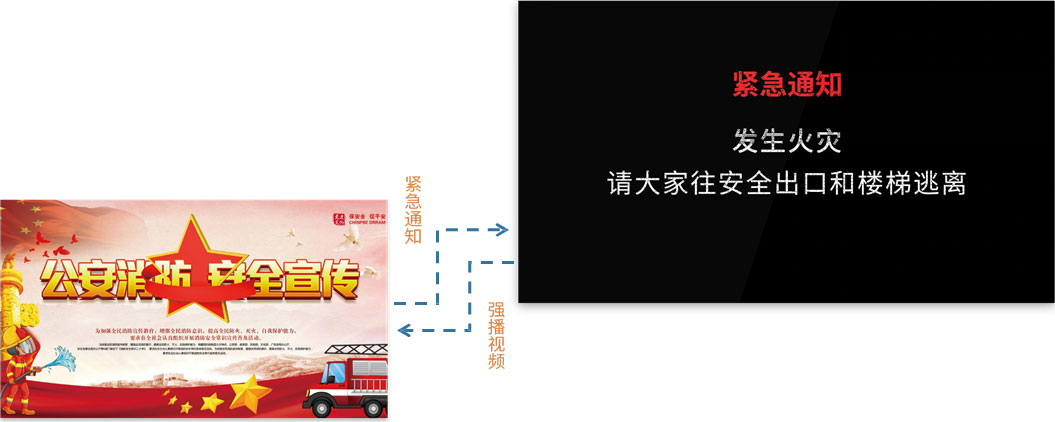
· Forced Insertion Broadcasting
Insert emergency school notices, etc. (During forced insertion, terminals ignore all remote control commands.)
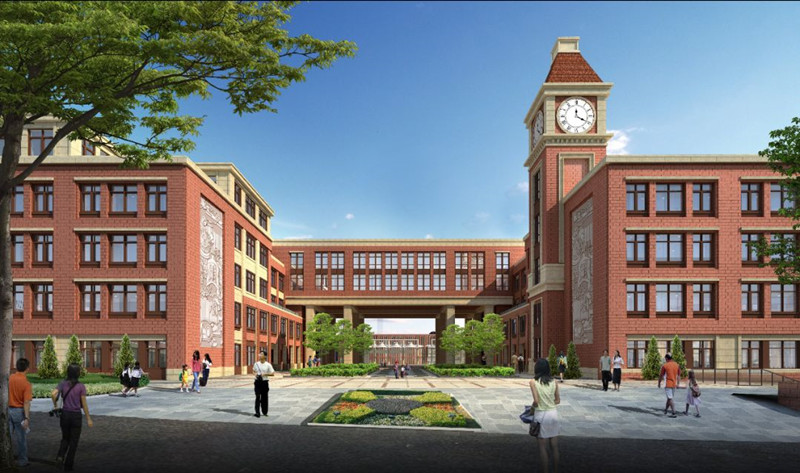
· System Modules:
· Front-End Equipment
Stable signal receiving devices for traditional TV signals (including cable set-top boxes, satellite receivers, telecom IPTV, hard disk players, etc.) shall be prepared by the school in advance.
· High-Speed IP Network:
High-speed broadband network required for transmitting IP traffic and distributing on-demand content. The school can use its existing LAN or newly deployed LAN without additional CATV coaxial cable (coaxial access is also supported).
· IPTV Architecture Components (including streaming live platform workstation, video server, IPTV encoder, etc.):
For interaction between network, headend equipment, and set-top boxes, ensuring the provision, management, and distribution of interactive video services.
· End-User Equipment:
Android smart TV or (IPTV dedicated set-top box + ordinary TV) for IPTV TV service experience.
· System Topology Diagram
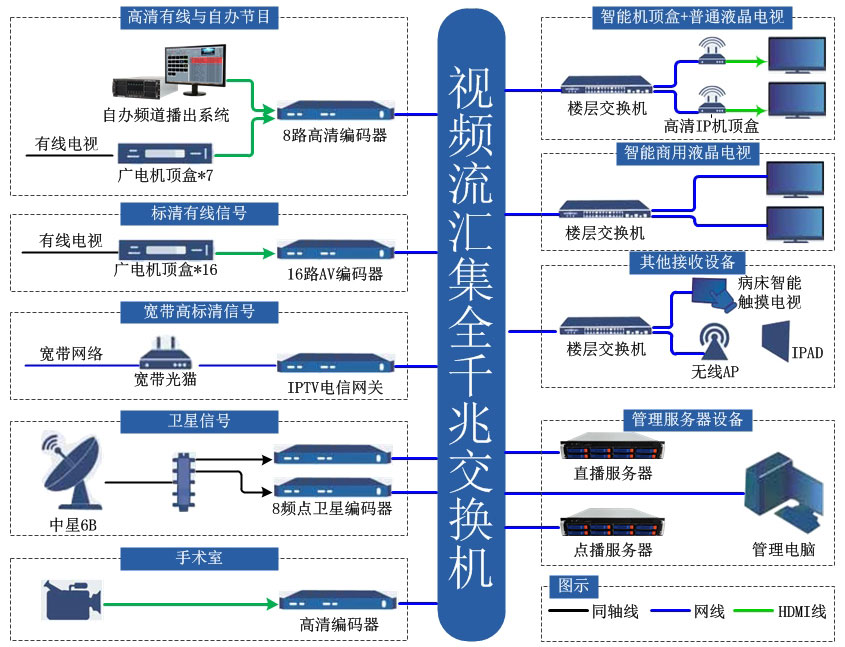
Please contact us based on your institution's needs to customize a practical and reasonable solution.
Company Information:
· Dongguan Digbao Electronics Co., Ltd.
· Address: 315A, Huizhong Center, Guanwen Road, Zhushan, Dongcheng District, Dongguan City, Guangdong Province
· Contact: Mr. Huang
· Tel: 0769-22606966
· Email: 648497998@qq.com
· QQ: 648497998
· Mobile: 18926865298
· Fax: 18926865298